
When you hop online, there’s always some tracker gathering pieces of info about you. The ad you click on or how much time you spend on the website are just a couple of bits of data that can say something about you. Digital privacy tools can limit the type of information and how much of it you share and make browsing private.
What Do Tools Actually Protect?
Digital privacy tools limit what information you expose online, and different services provide different functions.
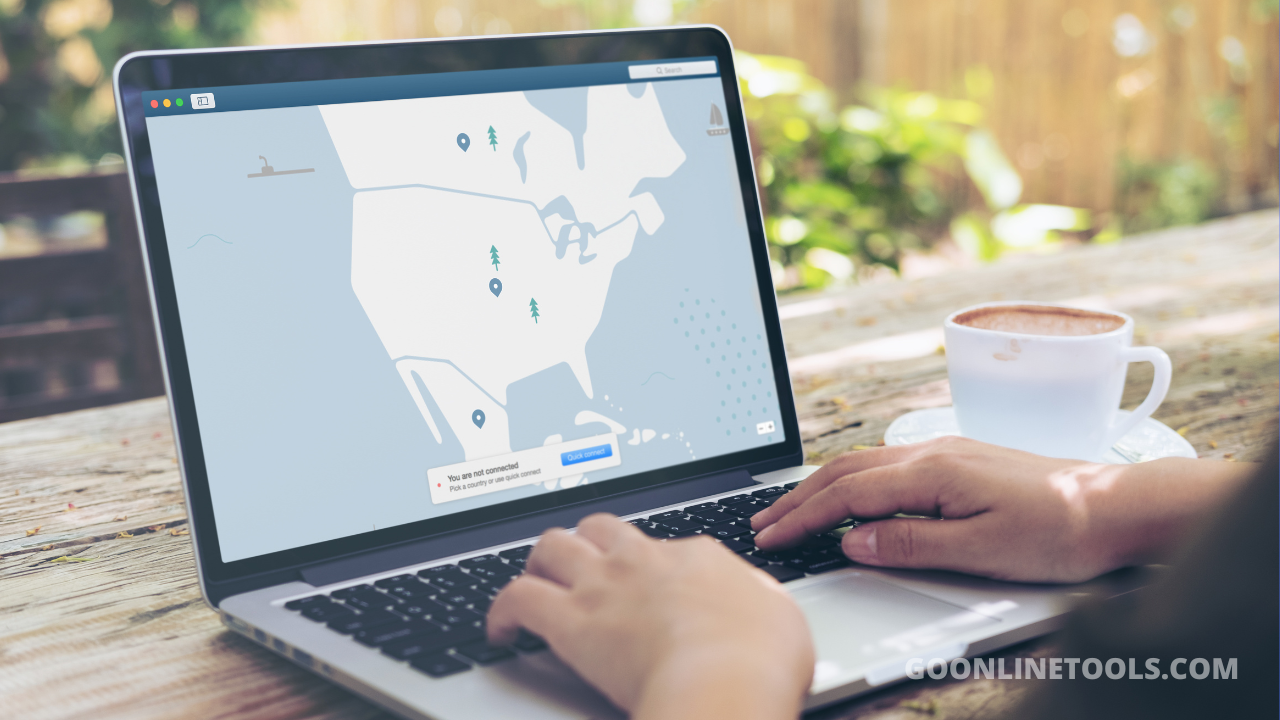
- Virtual private network (VPN): A VPN encrypts internet traffic between your device and a VPN server. It also replaces your visible IP address with the server’s address, making it harder for websites to determine your approximate location. A VPN Chrome extension, for example, routes the traffic from the Google Chrome browser through a secure tunnel, so your data is invisible to any prying eyes.
- Browser privacy extensions: These can block third-party trackers, block intrusive ads, and prevent certain sites from gathering information about your browsing habits. Others warn you about potentially unsafe websites.
- Password managers: These generate and store unique passwords for your online accounts securely. You don’t have to keep reusing the same password on multiple websites – you can use a different password for each account and manage them all in one app.
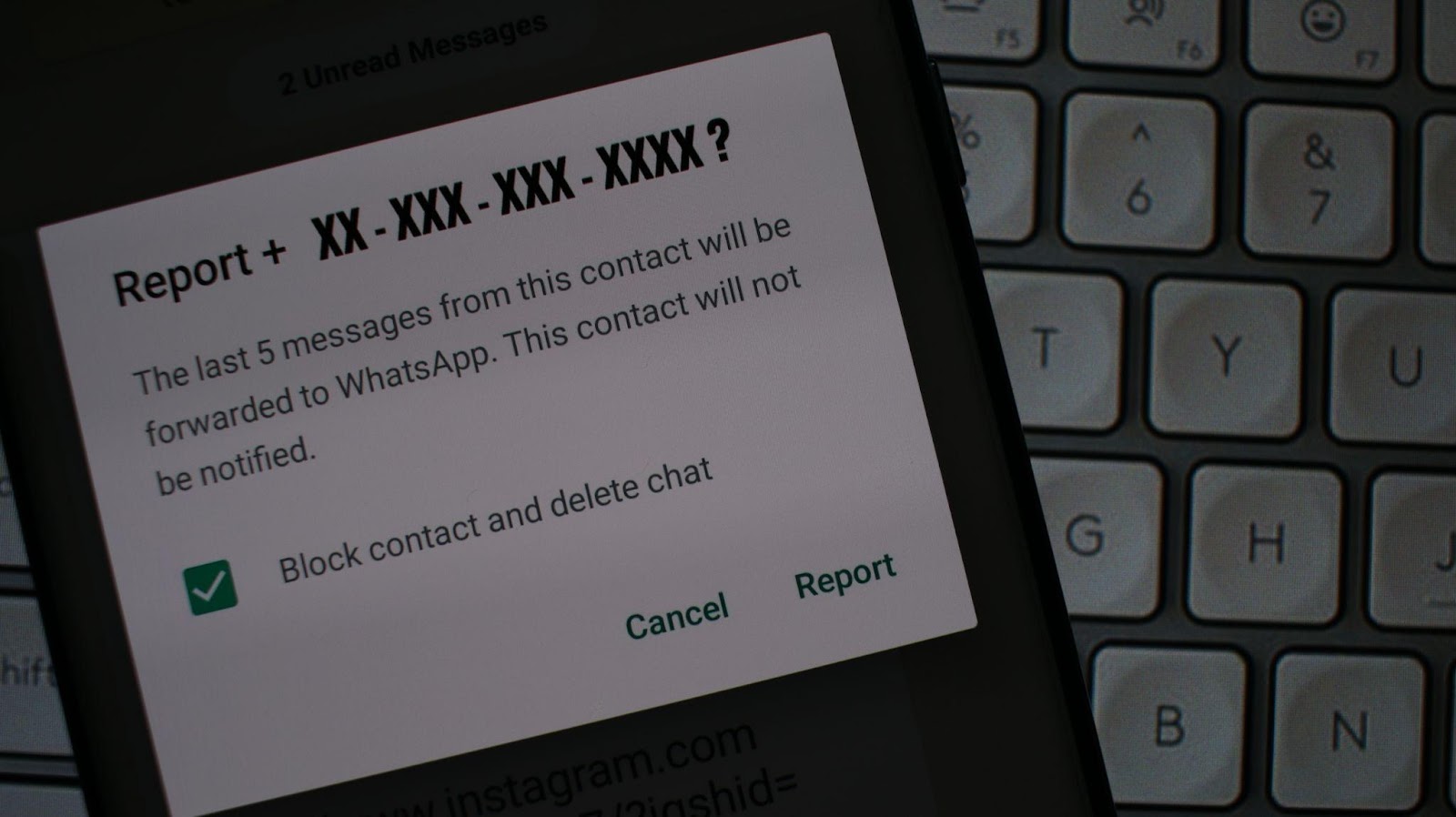
- Encrypted messaging apps: These apps rely on end-to-end encryption to protect your conversations, so only the intended participants can read your messages.
If you want to read more about privacy and what they can do for your online safety, explore GoOnlineTools’ guide to essential digital security tools.
Examples When Digital Tools Can Make a Difference
You don’t have to handle confidential business information to use cybersecurity software or services. Everyday activities can expose personal data, making additional protection useful in several situations.
- Online shopping and banking: A VPN encrypts your connection, while password managers help secure your shopping and banking accounts.
- Using public Wi-Fi: Connecting through a VPN helps protect your internet traffic when using networks in airports, hotels, and coffee shops.
- Working remotely: VPNs and encrypted messaging apps help protect work-related communications and information shared outside the office.
- Everyday browsing: Browser privacy extensions block certain trackers and limit how advertisers collect information about your online habits.
How to Choose the Right Digital Privacy Tools
The right privacy service is different for everyone. Mainly because everyone should find the right balance between practicality, pricing and data policies.
Start by checking exactly what the tool protects. For example, some password managers only store and generate passwords without sharing features and are specifically made to be that way.
Next, investigate the organisation or the team behind the service. Read its privacy policy to learn what data it collects, whether it shares information with third parties and how long it retains usage records. Claims such as “no logs” are more credible when they have been tested through an independent audit.
You should also review the permissions an application requests. A simple privacy tool should not demand access that has little connection to its stated purpose. Check whether it receives regular security updates and offers reliable support.
How to Build a More Effective Digital Privacy Setup
Since different tools address different risks, combining them provides more comprehensive protection than relying on a single solution. A few practical measures can make everyday browsing safer:
- Use a reputable VPN: Encrypt your connection, especially when using public Wi-Fi.
- Review browser extensions: Install tools from trusted developers and check their permissions.
- Enable MFA: Add another verification step to important accounts.
- Use unique passwords: A password manager can help generate and store strong passwords.
- Keep software updated: Install browser, operating system, and application updates.
- Limit unnecessary data sharing: Review privacy settings and avoid providing information when it isn’t needed.
Why Your Browsing Habits Still Matter
Your behavior and decisions play a major role in your digital safety. For example, if you open a suspicious email, you can still expose sensitive personal information, even if you use data privacy tools. Threat actors are aware of the fact that humans can be the biggest vulnerability and exploit their behavior, which is why the human factor is still present in over 60% of breaches according to Verizon’s 2026 Data Breach Investigations Report. Phishing, pretexting and other forms of social engineering remain significant risks and the most common access vectors.
Safer browsing practices are equally important when selecting safe software. Check website URLs before giving any sensitive information and never click on unknown links.
So, Are Digital Privacy Tools Worth It?
Digital privacy tools work differently, but serve one purpose: to make your online browsing safer and more private. With the number of data theft incidents increasing, it’s important to protect your digital profile with sensible browsing habits. Navigating the digital landscape safely is possible only by knowing what and how much you share, and protecting what you don’t want to share.

Amelia
Amelia is a skilled writer specializing in AI, creating engaging content that informs and inspires. She stays ahead of the latest trends to help businesses connect with their audience in a rapidly evolving digital world.
View all postsComments 0
No comments yet. Start the conversation!